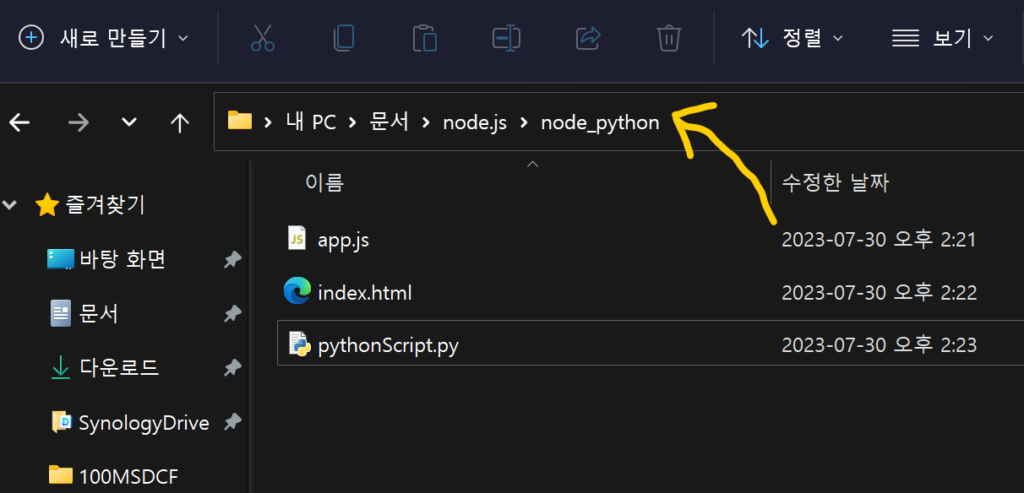
Navigate to the folder where you want to open the Command Prompt using File Explorer. Click the address bar, type ‘cmd’, and hit enter. Voilà, the Command Prompt opens right there! 🚀
Navigate to the folder where you want to open the Command Prompt using File Explorer. Click the address bar, type ‘cmd’, and hit enter. Voilà, the Command Prompt opens right there! 🚀
by
Tags:
Leave a Reply