It’s been ages since I started using my iPhone, and recently, those pesky iCloud storage full alerts have been popping up. (I’m on the 200GB plan) Most of it is because of photos and videos I’ve taken, but the kicker is, this storage doesn’t just increase steadily every year.
Each year, both iPhones and Android phones introduce new models, upgrading both hardware and software. Since the innovation bucket ran dry, manufacturers have been upgrading camera lenses and sensors, causing the space taken up by photos and videos in phone storage to skyrocket 📈. Sure, compression algorithms are improving, but they just can’t keep up with the physical size increase due to higher resolutions.
Remember when HD photos were just about 500K? Now, with most phones supporting 4K and above, a photo takes up around 4 megabytes — that’s about an 8x jump! If you’ve got the RAW option enabled, one photo can gobble up nearly 30 megabytes, which is a whopping 60x increase! 😱 When you think about videos, which are basically thousands of such photos stitched together, it’s easy to imagine the massive storage needed as recording resolution increases. (Apple’s ProRes videos are practically untouchable on phones with minimal storage)
Now, the not-so-fun part I wanted to share is that to tackle those annoying storage full messages, it’s effective to clear out photos from the last year or two. Sure, some might find joy in deleting old photos of an ex, like tossing them into a campfire, but remember, deleting hundreds of old pics might not match the impact of deleting just one recent video.
I really didn’t want to upgrade to a higher iCloud plan, so I started digging through old photos (yes, I know this contradicts my earlier advice) and stumbled upon an old manual for a business card holder I designed ages ago. A friend randomly asked me to create a manual for a card holder that even someone with an IQ of 80 could use. It was a bit annoying, but I’m a pretty nice person, so I made it…
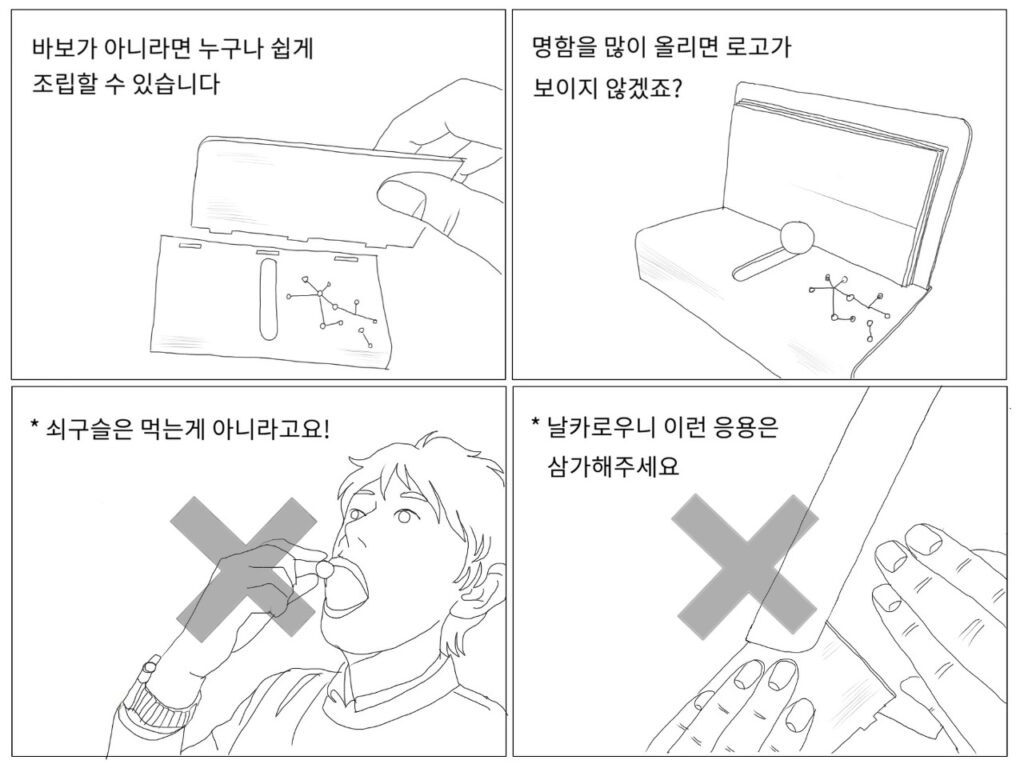
I don’t recall getting a thank you. Anyway, deleting this gave me
50Kb of precious space back!
Leave a Reply